How do I update my Website Lead Label/Status?
Utilise the various label options to organise your Leads List.
- The label can be updated on an open lead by clicking on the drop-down arrow and selecting the appropriate status.
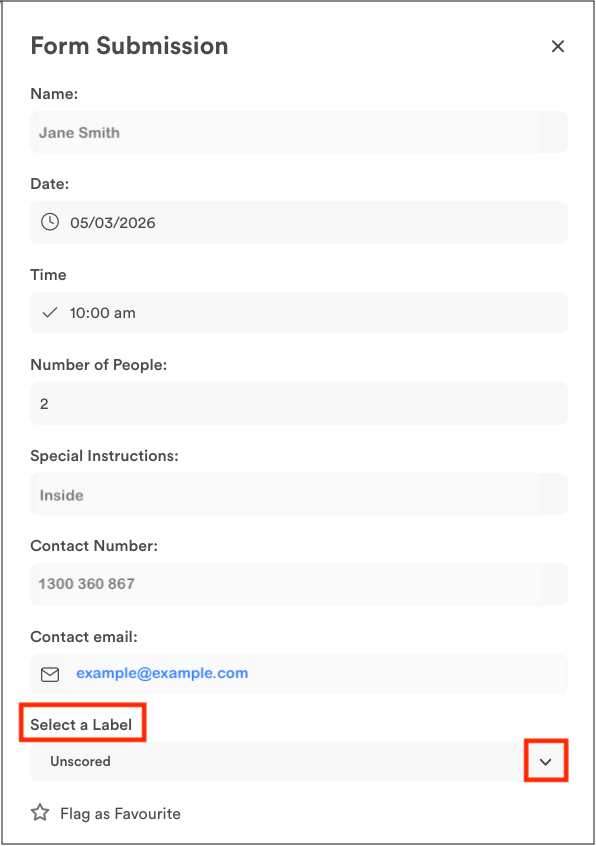
- Labels can also be updated in the list view by clicking on the drop-down arrow next to the appropriate lead. Simply click on the relevant status in the pop-up box.

Labels – What they stand for:
- Unscored – Default status, the submission hasn’t been reviewed as yet
- Verified – A genuine lead that has been confirmed
- Spam – A fake or irrelevant submission
- General Enquiry – A real enquiry, but not a suitable customer or job
- Duplicate – A repeat submission from the same person or enquiry
- Converted – A lead that turned into a confirmed job or sale
Having trouble getting started?
Contact Us


