Configure Outlook 2010/2013 for Microsoft Windows
Step 1
Open Microsoft Outlook
- File > Info > Add Account
- Select Manually configure server settings or additional server types
- Click Next

Step 2
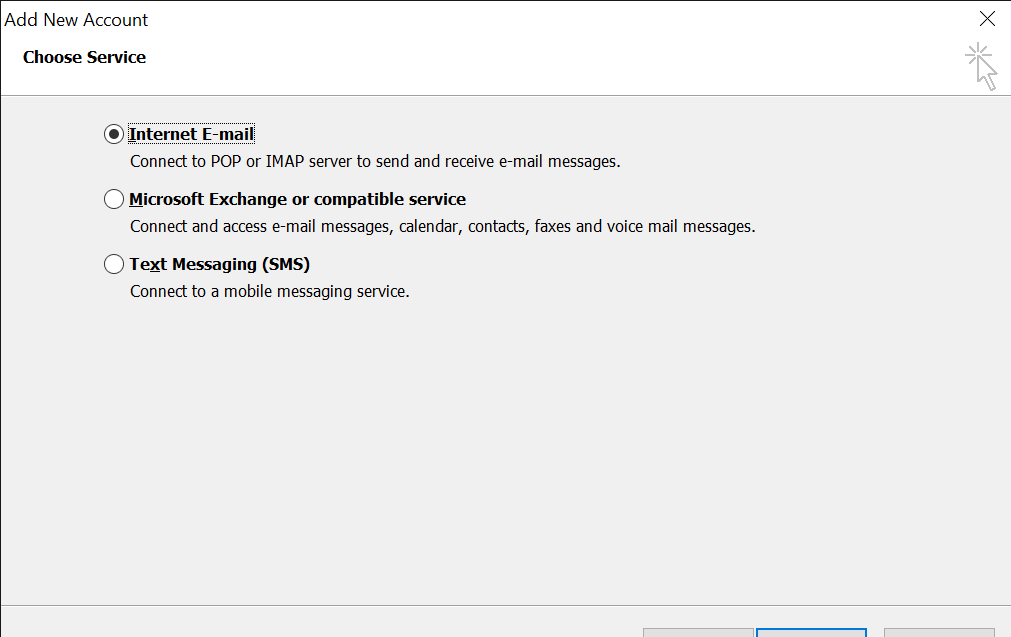
Choose Service
Select Internet E-mail
Click Next
Step 3
Enter the following settings
Your Name :
Email Address: Your full email address
Server Information
Account Type: IMAP/POP IMAP Preferred
Incoming mail server: mail.lsweb.com.au
Outgoing mail server (SMTP): mail.lsweb.com.au
Log on Information
User name: Your full email address
Password: Your email password
Choose remember password
Select More settings

Step 4
Under More settings, Select Outgoing Server
- Tick My outgoing server (SMTP) requires authentication

Step 5
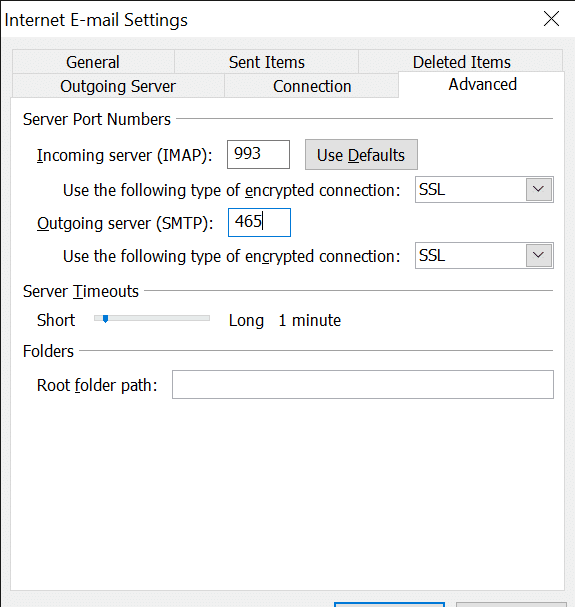
Select Advanced
Server Port Numbers
- Incoming server IMAP 993 POP 995
- Use the following type of encrypted connection SSL
- Outgoing server 465
- Use the following type of encrypted connection SSL
- Click ok
Step 6
Once all details have been entered, Click Next

Step 7
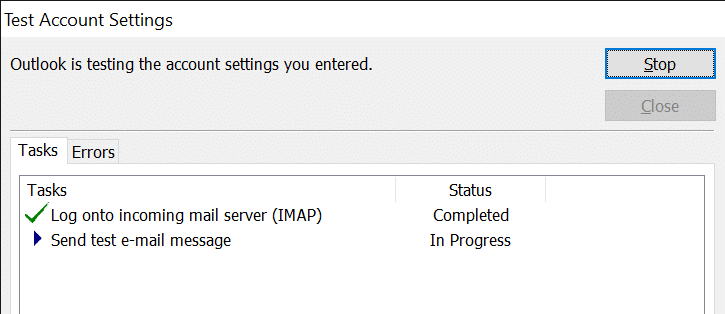
Allow Outlook to Verify the account
Step 8
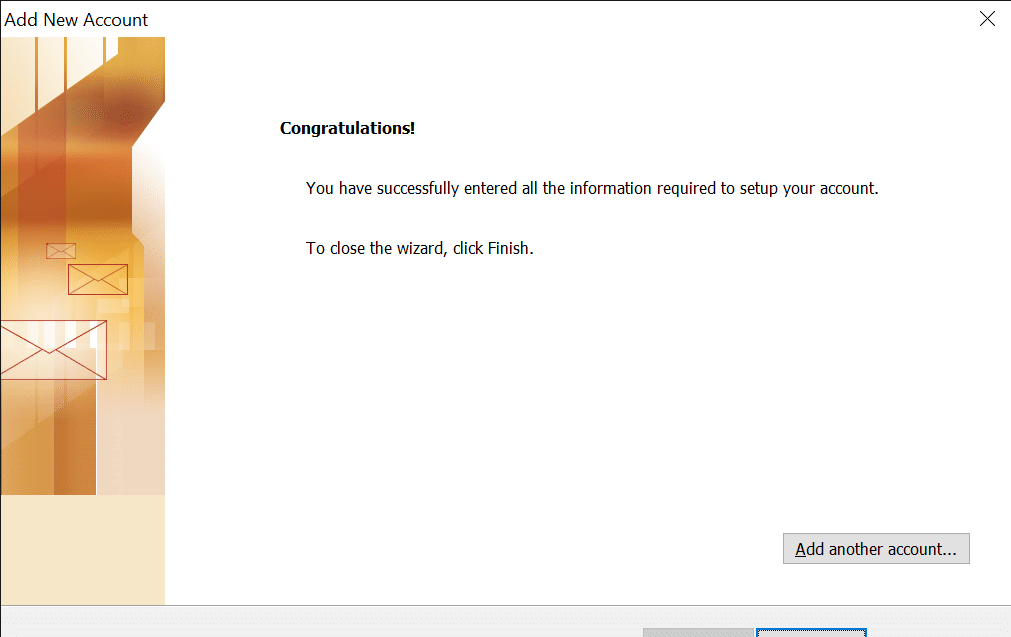
Your email has been added successfully. Click Finish
Having trouble getting started?
Contact Us


